Windographer version 6 is here
Windographer v6
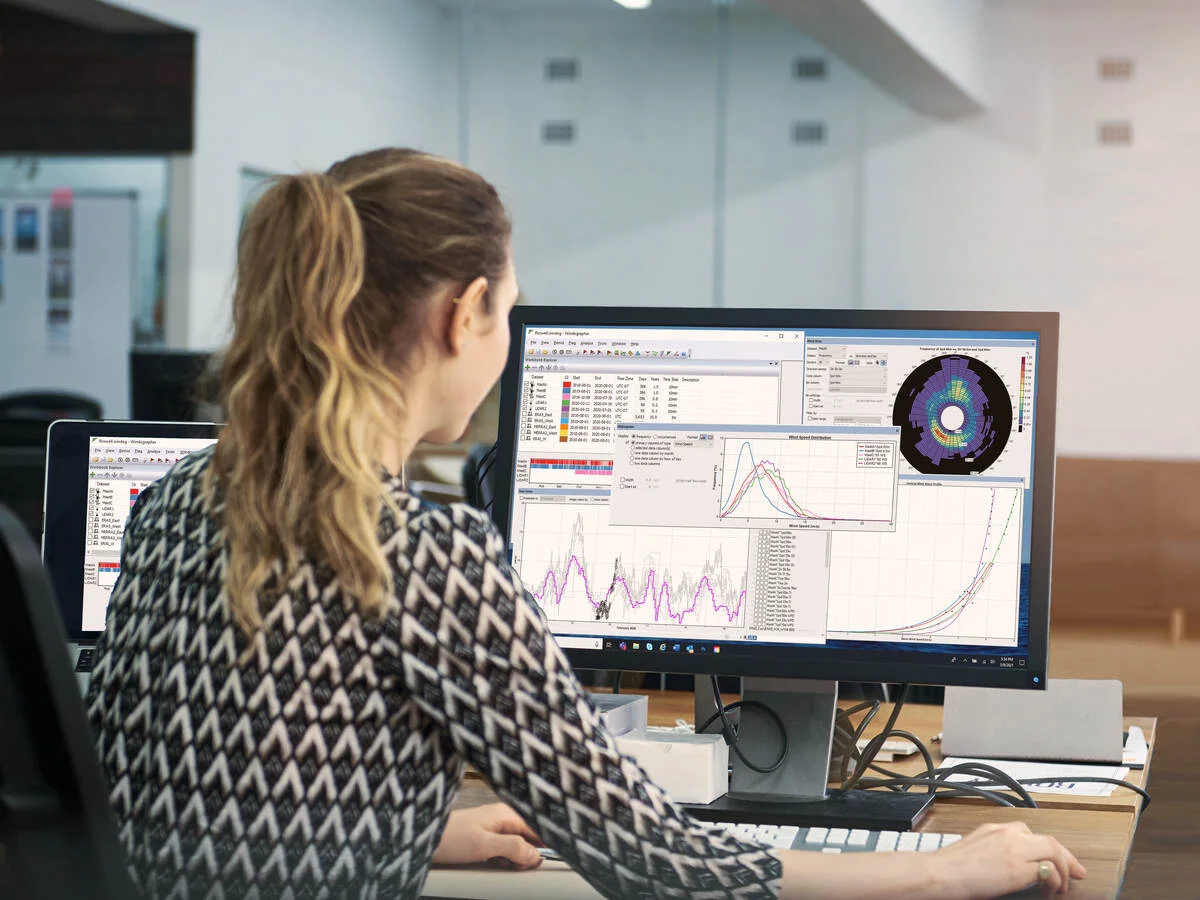
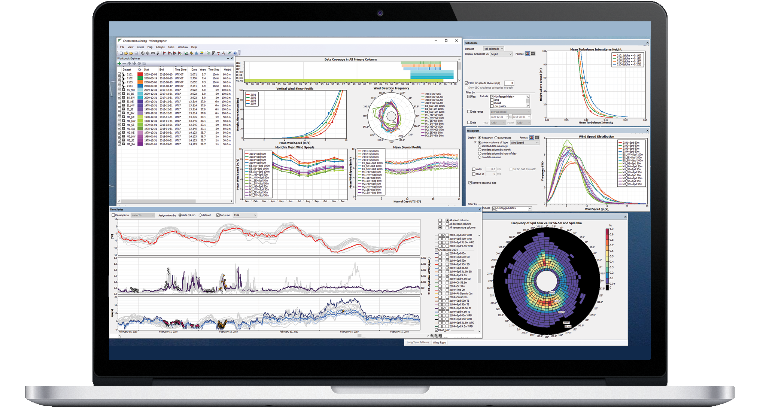
Revolutionize Your Wind Resource Assessment with Workflow Automation
Windographer v6 elevates Workflows—a powerful enhanced feature designed to eliminate repetitive tasks and accelerate your wind data analysis. Say goodbye to repetitive manual tasks and hello to streamlined, intelligent processes that save time, reduce errors, and boost productivity.
With Workflows, you can design custom automation sequences tailored to your specific assessment needs. Once configured, these workflows execute at your command: automatically, reliably, and with full traceability through detailed log files.
- Speed & Efficiency: Automate complex sequences in seconds, freeing up time for deeper analysis and strategic decisions.
- Consistency & Accuracy: Ensure standardized processes across projects and teams, minimizing human error.
- Collaboration Made Easy: Share workflows across your organization to align teams and scale best practices effortlessly.
- Transparency & Control: Every workflow run is logged, giving you full visibility and confidence in your data handling.
Powerful Capabilities at Your Fingertips
Windographer v6 lets you orchestrate intelligent workflows, including:
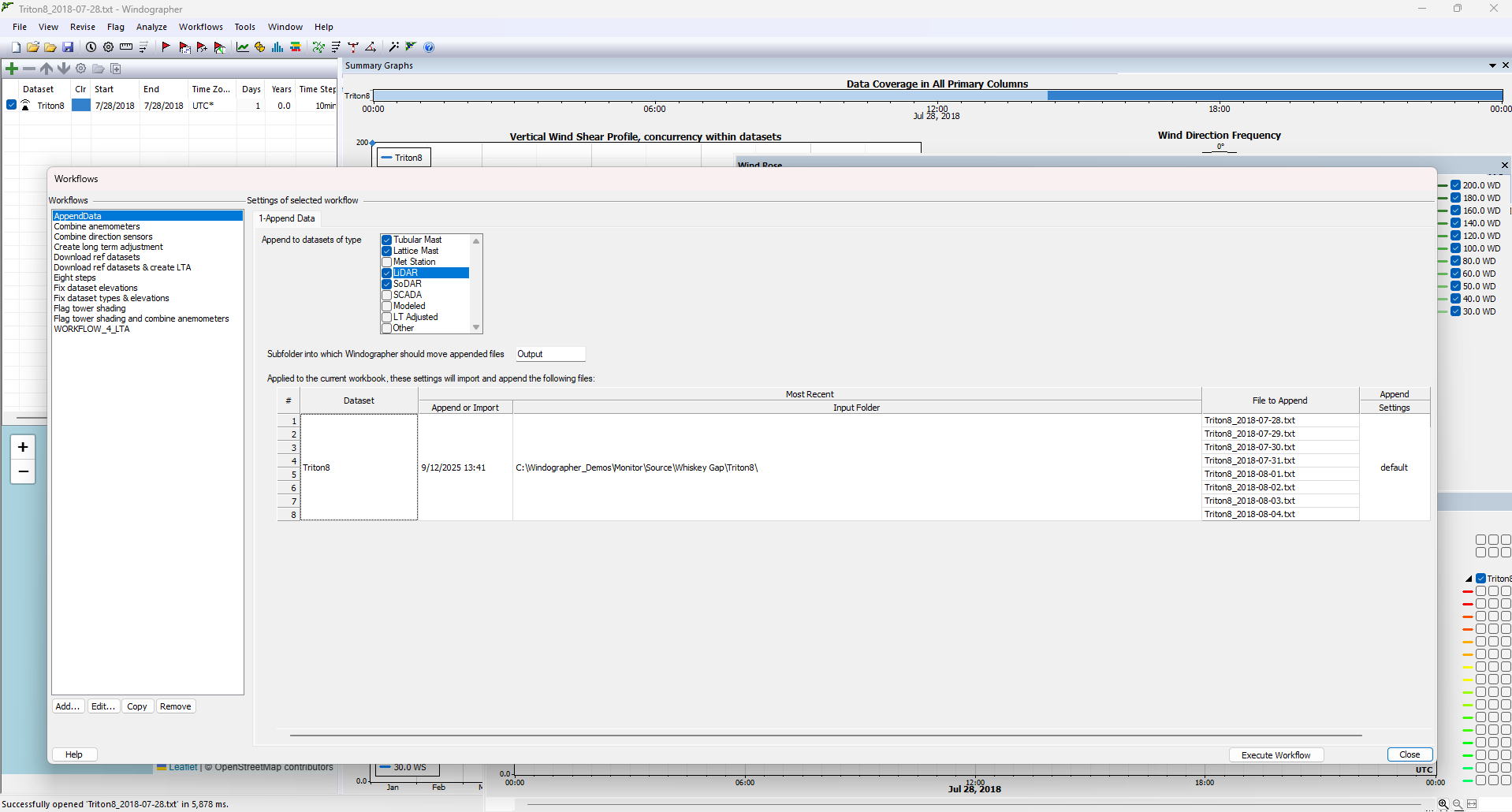
Automatic Data Ingestion
Effortlessly import raw data from met masts, LiDAR, or SODAR devices. Windographer v6 detects and organizes incoming files, reducing manual effort after the first import.
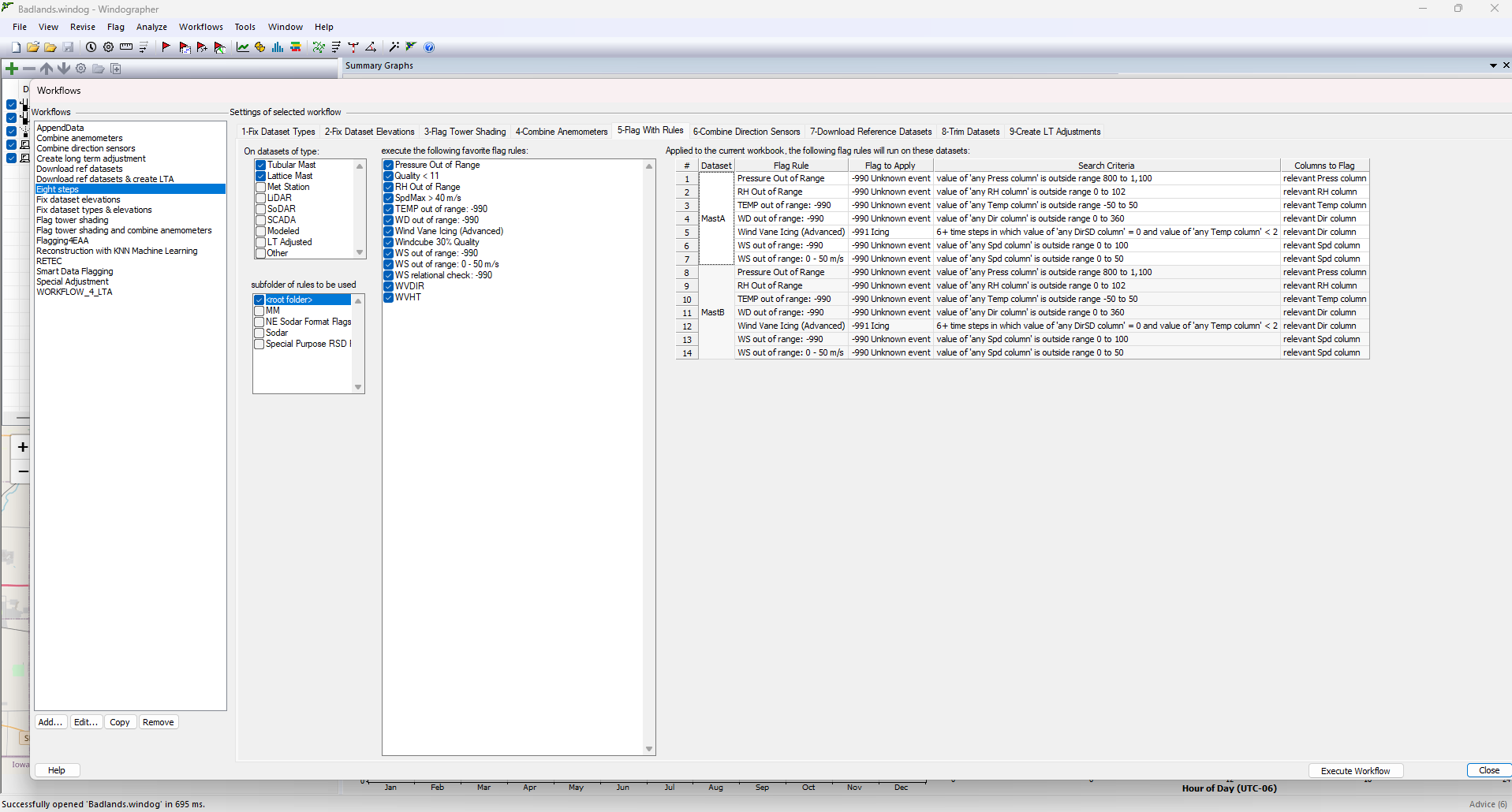
Smart Data Flagging & Validation
Apply customizable rule sets to flag anomalies and validate data quality. Organize rules by device type in subfolders and use advanced features like tower shadow detection—either via boom orientation or automatic detection.
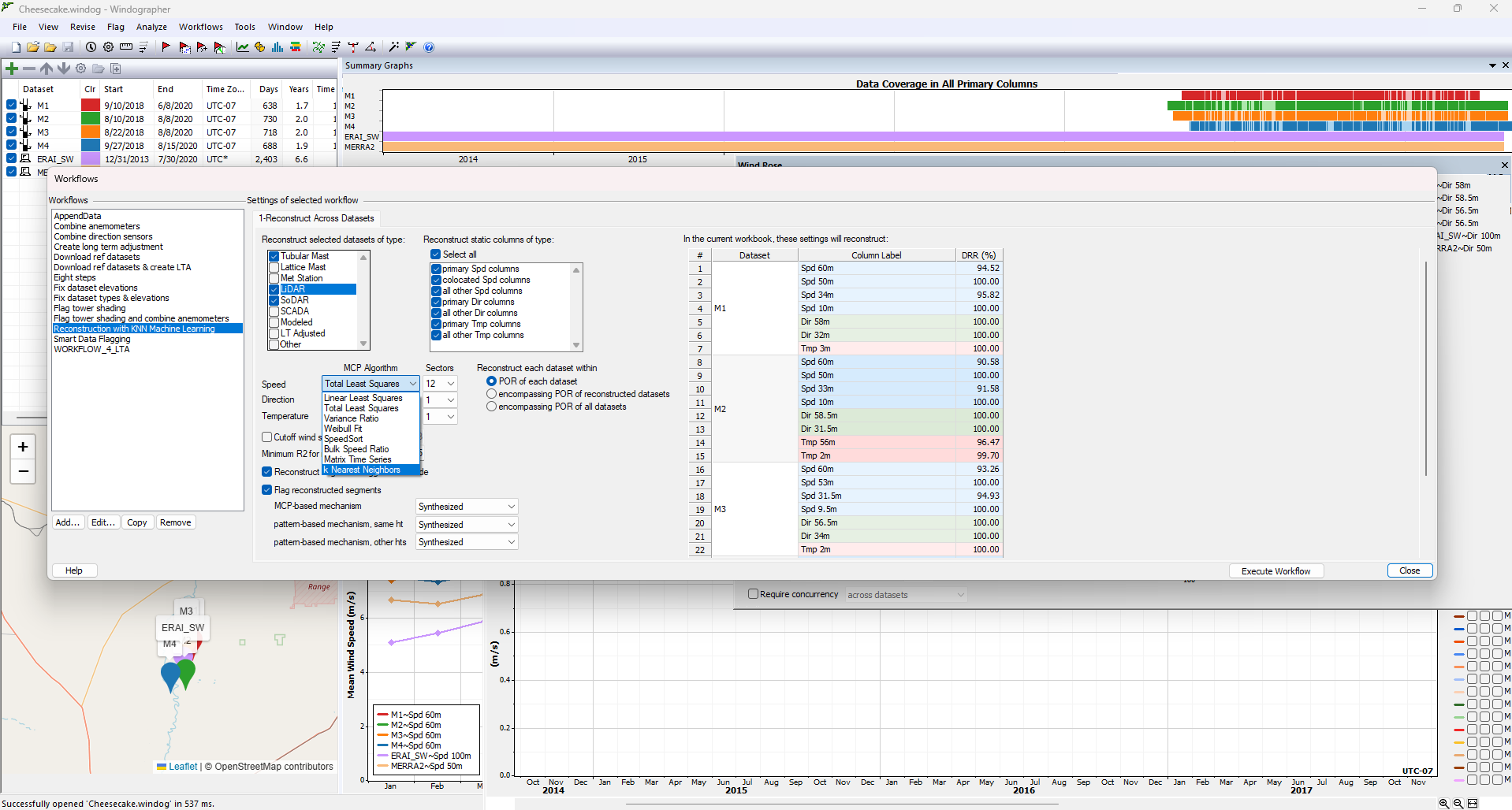
Data Reconstruction
Fill gaps in your datasets using internal sensor data or multiple datasets within a Windog file. This ensures continuity and reliability in your analysis.
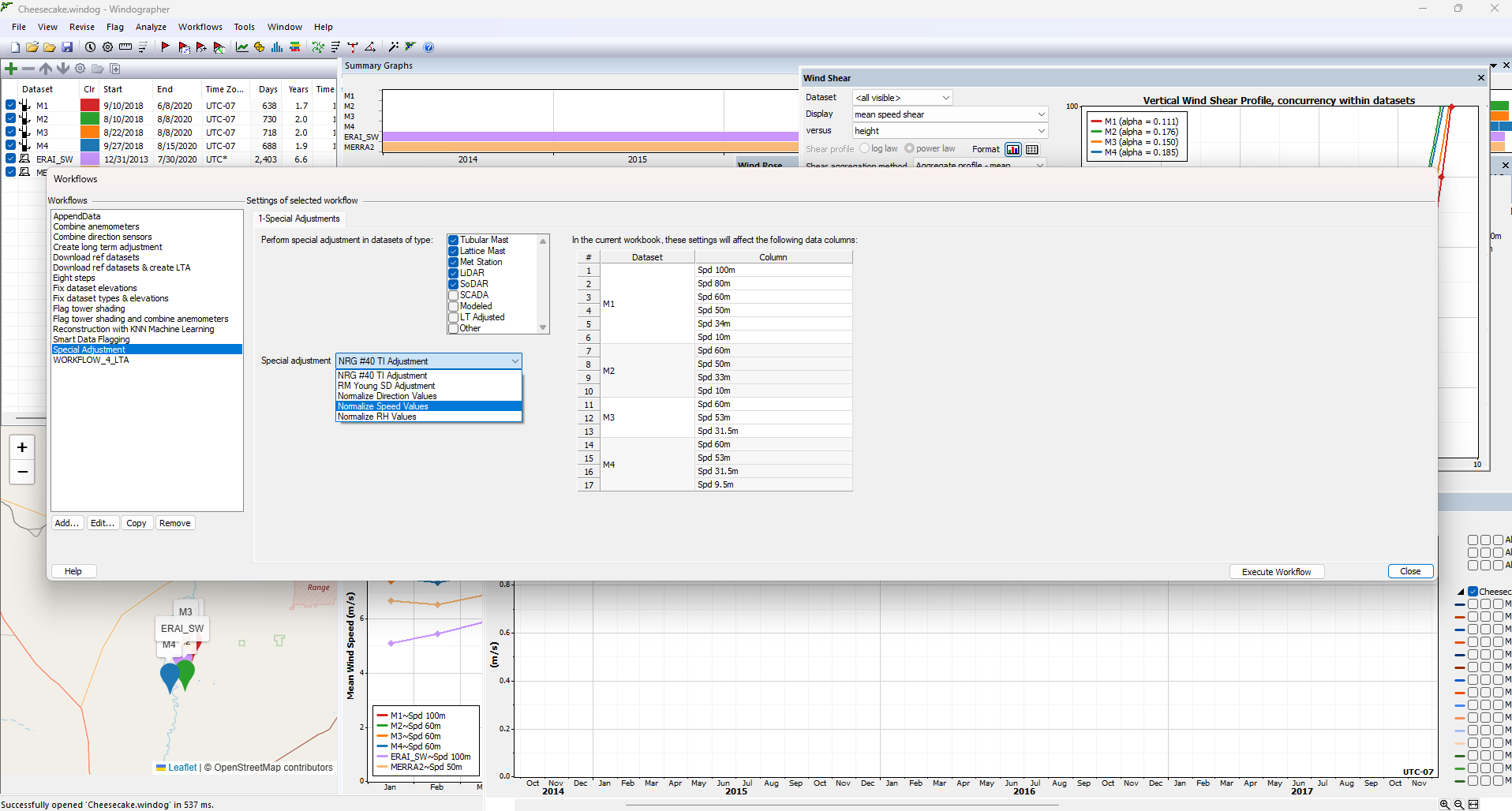
Special Adjustments
Workflows now includes Special Adjustments, that automatically normalizes speed, direction, and RH values, and fine-tunes wind speed measurements from NRG #40 and R.M. Young sensors for enhanced data accuracy.
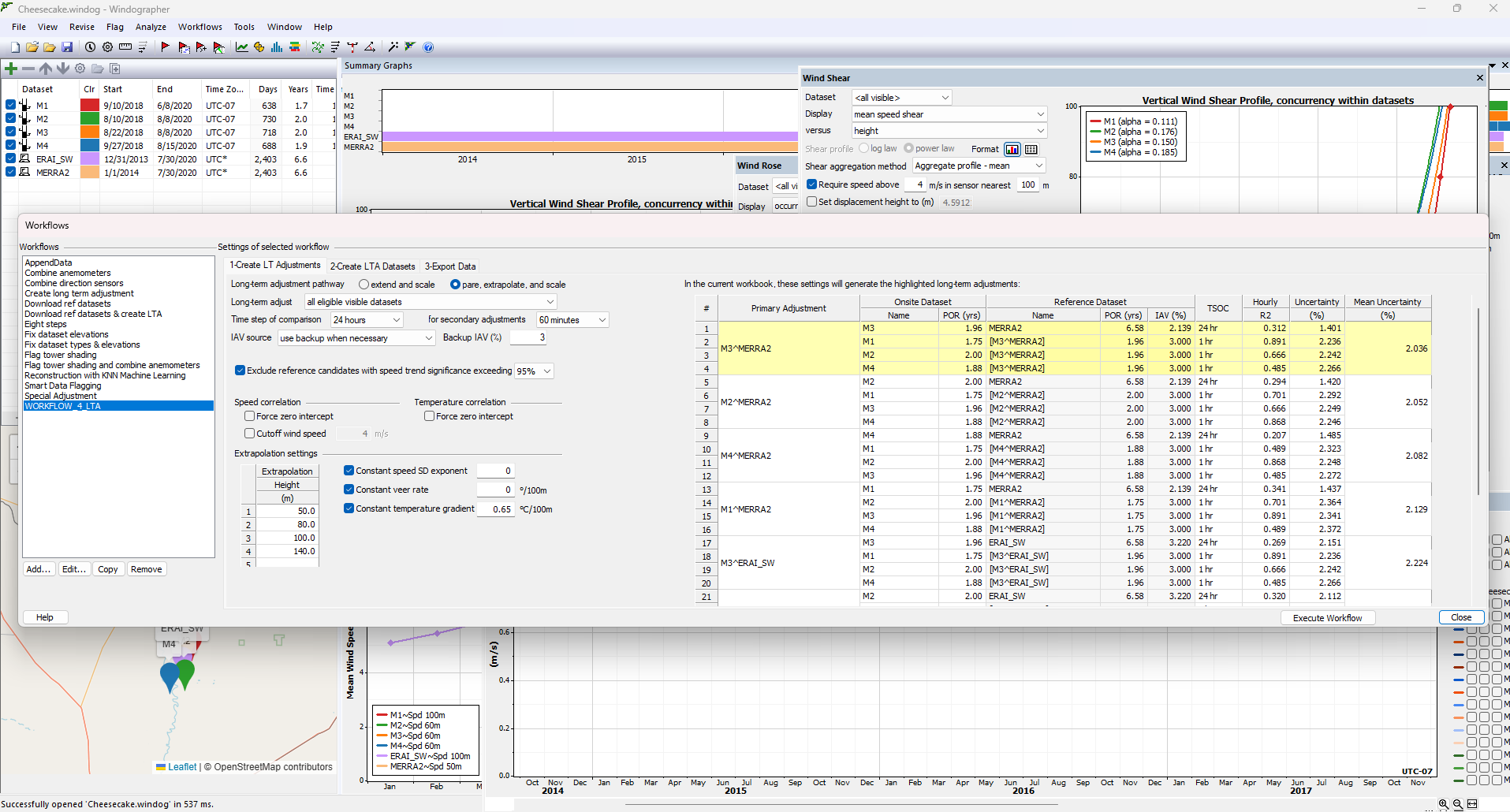
Long-Term Adjustment with Reference Time-Series
Download ERA5, MERRA2, or WRF datasets directly from Windnavigator using the integrated Data Downloader. Windographer v6 automatically pairs on-site and reference datasets to minimize uncertainty by generating multiple adjustment scenarios.
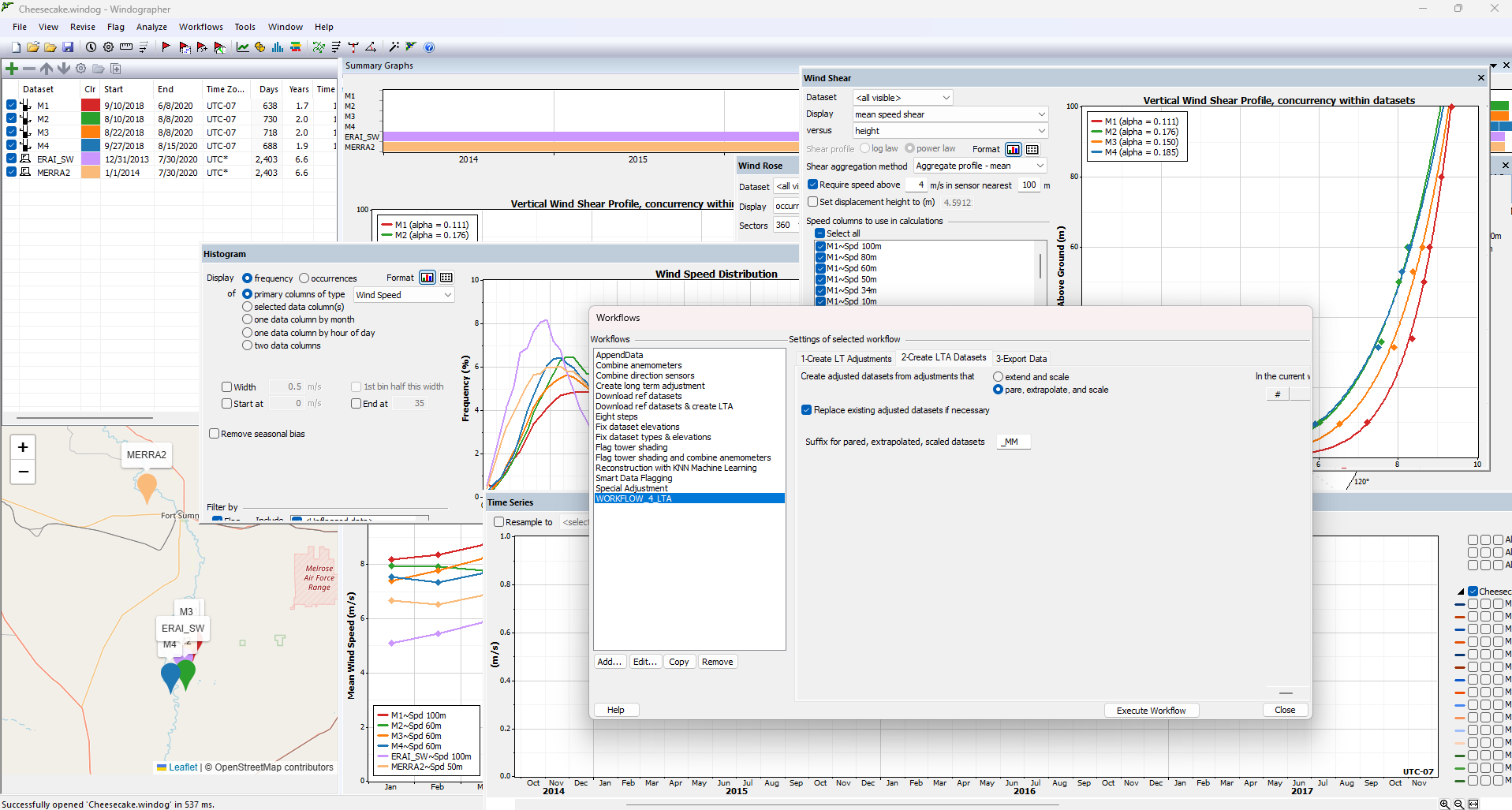
Generation of Long-Term Adjusted Time-Series
Create a new type of dataset within your Windog file—automatically generated and ready for analysis or sharing.
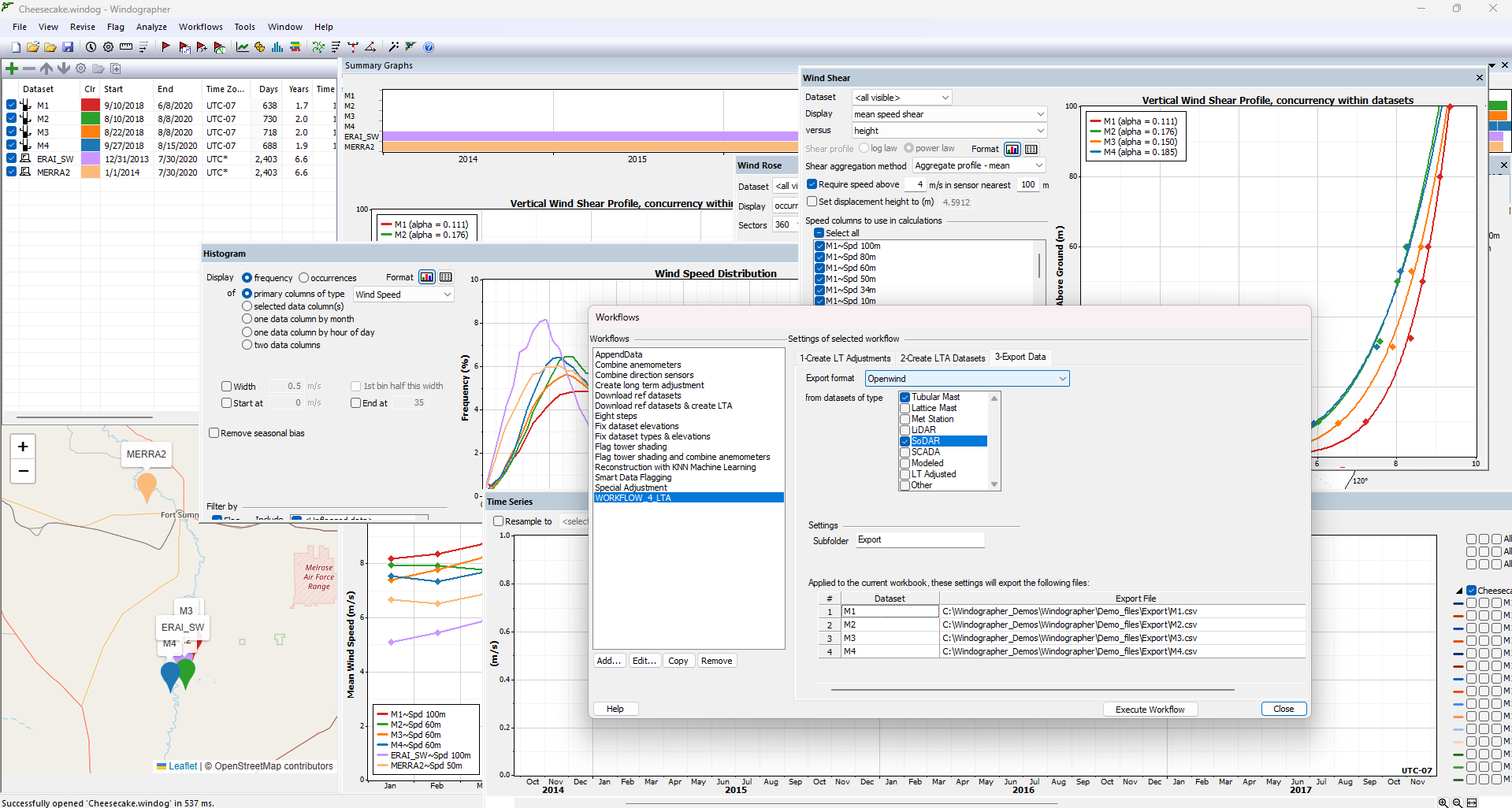
Export to Openwind or other Energy Production Estimation Tools
Seamlessly export validated and adjusted datasets to your preferred energy modeling tools. Plus, generate detailed reports directly within Workflows to support stakeholder communication.
Enhanced interoperability with Windnavigator
- Windographer v6 deepens its integration with Windnavigator:
- Import any time-series from your Windnavigator account into Windog
- Share datasets seamlessly with colleagues
- This two-way connectivity transforms Windnavigator into a dynamic repository for your wind data workflows.
FAQ
What is Workflows in Windographer6?
Workflows allows users to create and execute sequences of tasks—such as data cleaning, validation, and long-term adjustment—automatically. This reduces manual effort, improves consistency, and accelerates wind data analysis.
What types of tasks can be automated?
Workflows in Windographer6 supports automation of:
• Data ingestion and folder monitoring
• Device-specific validation and flagging (e.g., tower shading)
• Data reconstruction using machine learning (e.g., KNN)
• Long-Term Adjustment (LTA)
• Export to energy estimation tools like Openwind
What is new in the Long-Term Adjustment (LTA) task in Workflows?
LTA is a critical step in wind resource assessment, where short-term on-site measurements are adjusted using long-term reference data to reduce uncertainty.
In Windographer 6, this process is fully automated through Workflows, especially valuable when working with multiple on-site datasets. Analysts need to define a primary dataset and a reference dataset, then adjust the primary and use it to calibrate the remaining on-site datasets.
Choosing the optimal combination of primary and reference datasets is key to minimizing uncertainty. Previously, this required manually testing multiple configurations.
Now, the LTA task within Workflows automatically generates all possible combinations, ranks them by uncertainty, and presents the best options—empowering analysts to make data-driven decisions with confidence and ensuring the lowest possible uncertainty for wind project development.
How does Workflows improve speed and efficiency?
Instead of manually repeating steps for each dataset, users can configure a workflow once and run it across multiple datasets in minutes, saving hours of repetitive work.
How does Workflows ensure consistency and accuracy?
Workflows apply standardized rules and logic across all datasets, minimizing human error and ensuring uniform results—especially valuable for teams working on multiple projects.
Can Workflows be shared across teams?
Yes. Workflows can be saved, reused, and shared across your organization, helping scale best practices and align teams.
Is there transparency in Workflows processes?
Absolutely. Every workflow run is logged with detailed records of each step, giving users full visibility and control over data handling and transformations.
How does Workflows support data-driven decisions?
By automating repetitive tasks and ensuring consistent, traceable outputs, Windographer6 enables analysts to focus on interpreting results and making informed decisions with confidence.